Blog
Comprehensive to Foger Battery Performance and Maintenance

Comprehensive to Foger Battery Performance and Maintenance
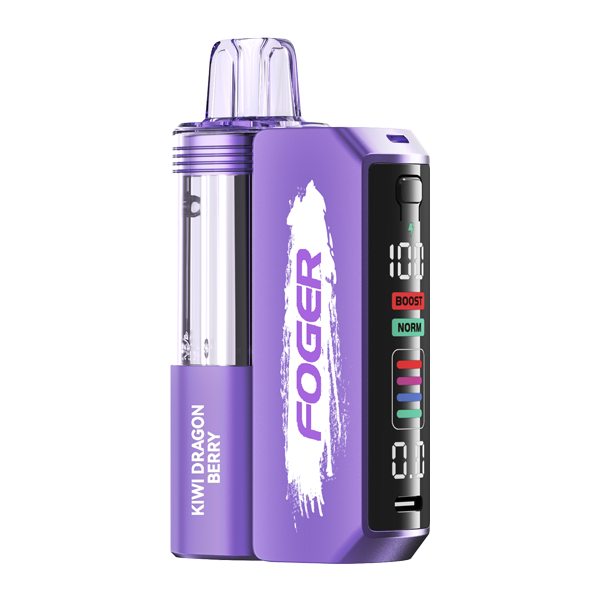
If you rely on a Foger disposable vape, the rechargeable lithium-ion cell inside is what keeps the flavor flowing. Foger devices, designed for the U.S. market, include models like the Foger Switch and Foger Mini, each fitted with a USB-C charging port and small battery. Most user questions aren’t about the flavor — they’re about charging hiccups, blinking lights, or a battery that seems to drain faster than expected. This guide delivers a Comprehensive to Foger Battery Performance and Maintenance, covering what’s inside, how to charge it correctly, what the LED signals mean, and how to fix common problems.
- USB-C Charging: Every current Foger disposable uses a standard USB-C port — no proprietary cables needed.
- Sealed Design: The battery is built into the device; once the e-liquid runs out, the unit is finished.
- LED Indicators: A flashing light usually signals low battery, a poor connection, or the end of the device’s life — not a defect.
- Smart Charging: Unplug once the indicator turns solid green; leaving it on the charger overnight can shorten cell life.
Understanding the Foger Battery: What’s Inside
The “Foger battery” refers to the rechargeable lithium-ion cell sealed inside each Foger disposable. The battery is sized to outlast a single e-liquid charge but can be recharged multiple times across the device’s total puff life. When the e-liquid is depleted, the entire device is retired. No user replacement is possible.
Here’s a look at the current Foger lineup based on published specs from U.S. retailers:
| Model | Battery Capacity | Charge Port | Puff Count | E-Liquid |
|---|---|---|---|---|
| Foger Switch | 650 mAh (rechargeable) | USB-C | ~15,000 | 20 mL |
| Foger Mini | 500 mAh (rechargeable) | USB-C | ~6,000 | 12 mL |
| Foger Vibe | 600 mAh (rechargeable) | USB-C | ~10,000 | 16 mL |
Specs sourced from Foger’s official U.S. product listings. Capacity and puff counts may vary by batch.
A full charge from empty typically takes 45 to 60 minutes using a standard 5V/1A USB-C wall adapter. Depending on your model and draw length, a full charge delivers between 600 and 1,200 puffs before it needs to be plugged in again.
How to Charge Your Foger Battery the Right Way
Foger devices are designed to be simple: plug in a USB-C cable, watch the LED, unplug when it signals a full charge. Following a few best practices can help you get the most out of each unit.
Best Practices for Foger Battery Longevity
- Use a low-power adapter. A 5V/1A phone charger or a USB port on a laptop is ideal. Avoid fast chargers (PD/QC) — Foger’s small cell doesn’t need them, and high amperage creates unnecessary heat.
- Don’t leave it plugged in overnight. Once the LED shows a full charge, disconnect. Trickle charging can shorten lithium-ion lifespan.
- Keep it away from heat. Don’t leave your Foger in a hot car, on a windowsill, or near any heat source. Heat is the main enemy of small lithium cells.
- Charge before it’s completely dead. Plugging in at around 15–20% remaining is easier on the cell than running it flat every time.
- Clean the USB-C port. Pocket lint and dust can block charging. A dry cotton swab usually resolves “won’t charge” issues.
Troubleshooting Common Foger Battery Problems
What Do the Foger LED Lights Mean?
Foger devices have a small indicator light near the USB-C port or at the base. While exact colors vary by model, the general pattern is:
- Solid light while puffing: Normal operation.
- Blinking 3–5 times during a puff: Battery is low and needs charging.
- Continuous blinking while idle: Could be a short circuit, a stuck sensor, or the device has reached end-of-life (e-liquid empty).
- Red/orange while plugged in: Charging in progress.
- Green or no light while plugged in: Fully charged — unplug.
My Foger Won’t Charge
Try these steps in order:
- Try a different USB-C cable. Cheap or damaged cables are the most common cause.
- Try a different power source — switch from a wall adapter to a laptop port, or vice versa.
- Clean the USB-C port with a dry toothpick or cotton swab to clear debris.
- Let the device sit unplugged for 10 minutes, then try again. A protection circuit may have tripped due to heat.
- If the LED still doesn’t respond, the device may have reached end-of-life. Foger batteries are not user-replaceable.
My Foger Battery Dies Too Fast
If your charge isn’t lasting as long as it used to, the cause is often one of these:
- Long, hard draws. Tight 3-second puffs drain the battery much more quickly than short, gentle inhales.
- Chain vaping. Back-to-back puffs heat the coil and force the battery to work harder.
- Cold weather. Lithium-ion cells lose noticeable runtime below about 50°F.
- Aging cell. After many charge cycles, capacity naturally drops. This is normal as the device nears the end of its e-liquid supply.
How Foger Batteries Compare Competing Models
Foger competes in the high-puff rechargeable disposable category. Here’s how its battery specs stack up against two well-known alternatives:
- Foger Switch (15,000 puffs, 650 mAh, USB-C) — Mid-size battery paired with a large 20mL e-liquid reservoir. You’ll recharge it several times before the juice runs out.
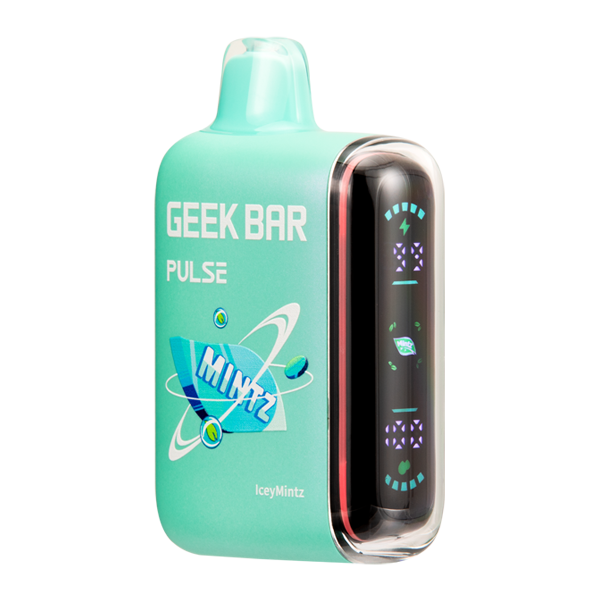
- Geek Bar Pulse (15,000 puffs, ~600 mAh, USB-C) — Similar puff count and battery capacity, also rechargeable, with a dual-mode firing option Foger doesn’t offer.
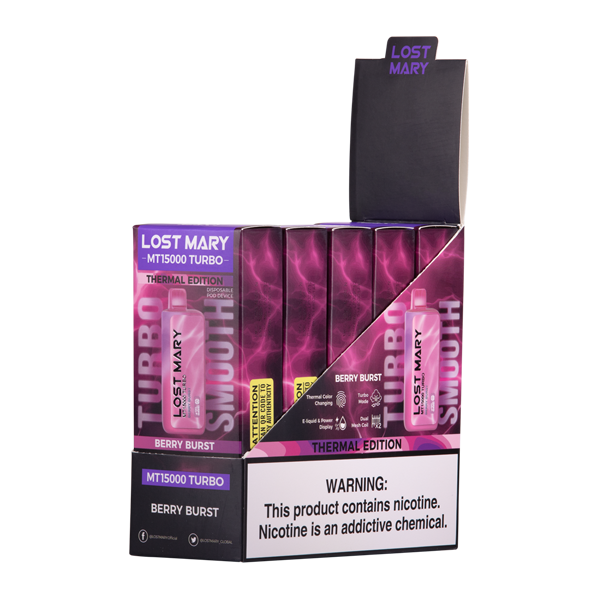
- Lost Mary MO20000 Pro (20,000 puffs, ~850 mAh, USB-C) — Larger battery and higher puff ceiling, but a bigger footprint and higher price point.
For most U.S. vapers, the practical difference comes down to flavor preference and form factor rather than battery technology — all three brands use comparable lithium-ion cells with similar charge times. Check our Foger battery comparison page for side-by-side specs.
For broader safety information on rechargeable vape hardware, the FDA’s information page on electronic nicotine delivery systems covers regulatory and safety basics worth reading.
Foger Battery FAQ
How long does a Foger battery last per charge?
Most Foger models deliver 600 to 1,200 puffs per full charge, depending on the model and draw length. A Foger Switch (650 mAh) typically needs recharging 10–15 times before the 20mL of e-liquid is gone.
Why is my Foger blinking and not hitting?
A blinking Foger usually means one of three things: the battery is dead and needs charging, the airflow sensor is stuck, or the device has reached the end of its e-liquid supply. Try charging it first — if it still blinks without producing vapor, the device is likely finished.
How long does it take to fully charge a Foger?
Using a standard 5V/1A USB-C adapter, a Foger Mini or Switch takes about 45 to 60 minutes to charge from empty to full. Avoid fast chargers, which can overheat the small battery.
Can you replace the battery in a Foger?
No. Foger disposables are sealed units. The battery is designed to last for the full e-liquid capacity of the device, after which the entire unit should be disposed of properly at an e-waste or battery recycling location.
Is it safe to leave my Foger charging overnight?
It’s not recommended. Although Foger devices have built-in overcharge protection, leaving any lithium-ion battery on the charger longer than necessary accelerates wear and generates unnecessary heat. Unplug once the indicator shows a full charge.
What charger should I use for a Foger?
Any standard USB-C cable plugged into a 5V/1A wall adapter, laptop port, or power bank works. Avoid high-wattage fast chargers (18W+), since the small cell inside a Foger isn’t built to handle that current.
Final Takeaway: Getting the Most from Your Foger Battery
The Foger battery is a simple, sealed lithium-ion cell with USB-C charging, built to be recharged through the full life of the device’s e-liquid. Treat it like you’d treat your phone battery: avoid heat, skip the fast charger, and unplug when it’s full. Follow those habits, and you’ll get every puff the device was designed to deliver.
Reviewed by the Prime Vape Outlet editorial team. Specifications cited reflect Foger’s published product details at the time of writing and may change with new releases.